



Common Problems SurveyHeart Solves for Schools
The everyday headache on the left. The simple fix on the right.
What Schools Create with SurveyHeart
Start with one of these or build your own from scratch.
Start with a Free Template
Choose a ready-made template, edit the questions and share it in minutes.





Why Schools Choose SurveyHeart
Mobile app, QR code sharing, WhatsApp delivery and simple exports. Built for how schools actually work.
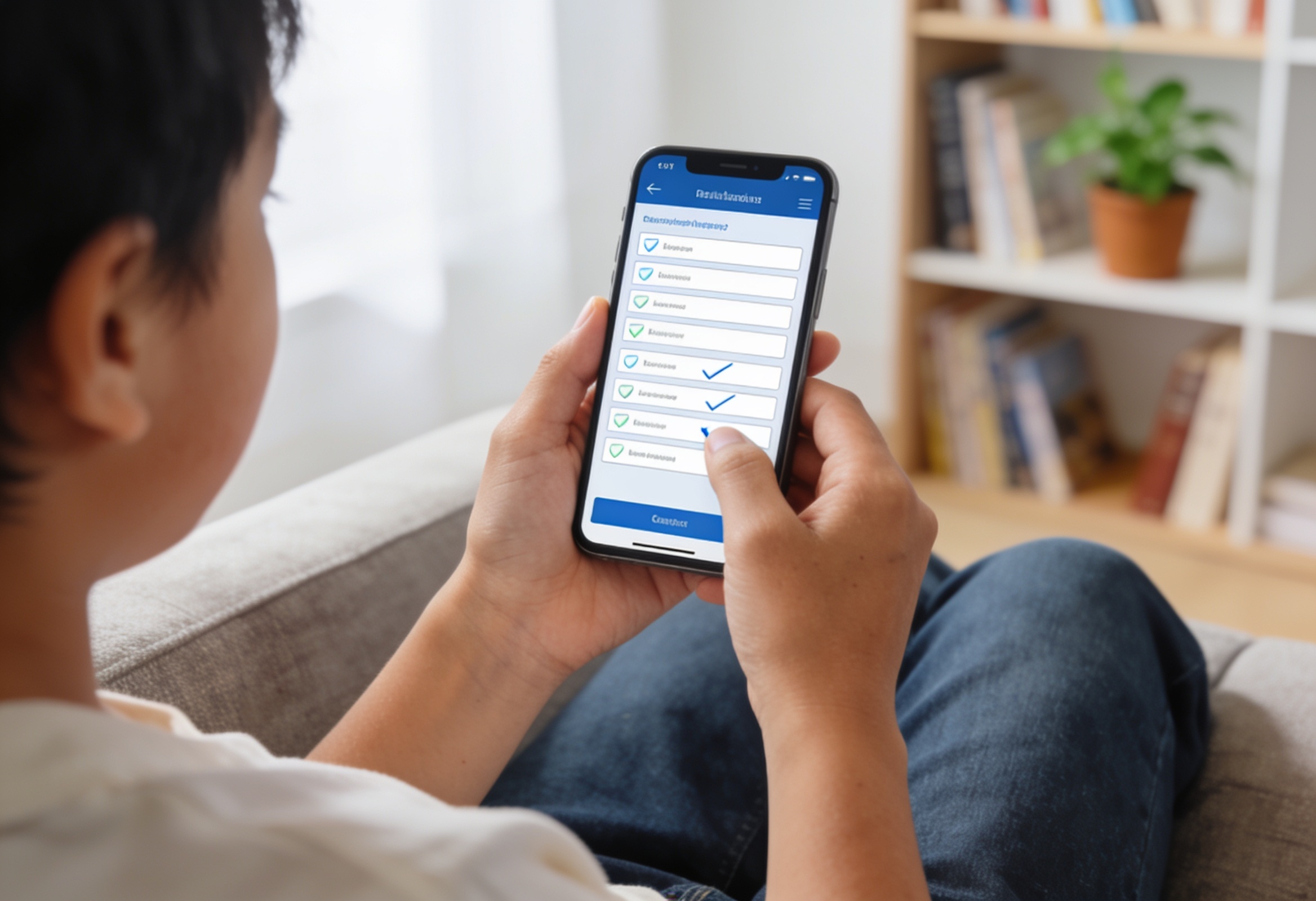
Parents fill on any phone, no account needed
Parents open your form link in their browser and fill it on any device. They do not need to install anything or create an account. This removes the biggest barrier to getting responses.
Share to parent groups on WhatsApp in one tap
SurveyHeart has a built-in WhatsApp share button. Tap it and a pre-filled message with your form link is ready to send to any parent group or individual contact.
Duplicate templates across departments
Build one standard form and duplicate it for each department or grade. Every team collects the same fields without rebuilding from scratch each time.
Export clean records for filing and review
Download all responses as CSV, Excel and PDF any time. Useful for admission records, consent filing, or sharing summary data with school management.
How it Works
From building your form to having your data. Four steps.
Create
Choose a template for admission, consent or feedback, or build your form from scratch in the web or mobile app.
Share
Send the link via WhatsApp to the parent group, share a QR code on the notice board, or embed the form on your school website.
Collect
Parents and students fill the form on any device. No account needed. Responses arrive instantly in one place.
Export
View response charts, browse individual submissions and download all data as CSV, Excel and PDF for your records.
Features that Matter for Schools
Everything you need. Nothing you do not.
WhatsApp sharing
Tap to send your form link as a pre-filled WhatsApp message. Reach parent groups, student groups or individual contacts without switching apps.
QR code sharing
Every form gets a QR code you can print on a notice board, include in a newsletter, or display on a screen. Parents scan and fill without typing a link.
Embed on your school website
Add an admission inquiry or feedback form directly to your school website using the embed code. Visitors fill it without leaving the page.
Response charts and summary
Every question gets a chart automatically. Browse individual responses, search by name, and see totals at a glance without building your own reports.
Export to CSV, Excel and PDF
Download all submissions as CSV, Excel and PDF for filing, audits or sharing with management. Export any time with no limit on the number of exports.
Duplicate and reuse forms
Copy any form in one click. Departments can share a standard template and each keep their own copy without starting from scratch.
Quick Facts for Schools
School offices handling admissions, parent consent, feedback surveys and administrative requests across departments.
- Admission inquiry form
- Parent consent form
- Student information update form
- Parent feedback survey
- School event registration form
- Transport or facility request form
All responses can be exported as CSV, Excel and PDF from the responses section.
Nothing. Parents and students open the form link or scan a QR code and fill it in any browser with no account required.
When the goal is a scored test or auto-graded knowledge check, use Quizzory at quizzory.in instead.
- Respondents (parents, students) do not need a SurveyHeart account to fill a form.
- Export formats are CSV, Excel and PDF only. Direct sync to spreadsheet apps or school management systems is not available.
- An admission inquiry form collects what parents submit. It is not an enrolment or admissions management system.
- This page covers school administration use. For classroom use (student feedback, assignment collection), see the For Teachers page.
- Need scored quizzes or auto-graded tests? Use Quizzory at quizzory.in.
How Schools Use it in Practice
Real examples from everyday situations.
Admission inquiries for a new academic year
A school office creates an admission inquiry form with fields for parent name, student name, grade applying for, contact number and how they heard about the school. The link is shared on the school's WhatsApp broadcast and website. Inquiries come in through the form and the admin team reviews them in one list instead of managing phone notes and emails separately. The form collects the inquiry; the office team follows up.
Parent consent for a school excursion
The vice principal creates a consent form with the trip details, a yes or no question for permission, an emergency contact field and a medical information field. The link is shared with parent groups on WhatsApp. Parents confirm from their phone without printing anything. The office downloads the response list as Excel before the trip date.
Annual parent satisfaction survey
The school management team creates a feedback survey covering teaching quality, facilities, communication and overall satisfaction. The form link is shared via WhatsApp and email. The management team views the response charts directly and exports the data as PDF for a board report. No manual tallying needed.
Student information update form
At the start of the year, the admin office needs updated contact details, emergency contacts and medical notes for each student. A form is created and shared with parent groups. Parents fill it in minutes. The office exports the responses as CSV to update their records. The form collects what parents submit; staff review and file the data.
SurveyHeart for Schools: What You Need to Know
SurveyHeart is a free form and survey builder that school offices use for admissions, parent communication, consent collection and administrative requests. Creating a form takes a few minutes. Once published, you can share it as a WhatsApp message (parents open the link with no account or installation needed), as a QR code on the school notice board or newsletter, or as an embed on your school website. Responses come in instantly and are stored in one place. You can view auto-generated charts for every question, browse individual submissions, search by parent or student name, and export all data as CSV, Excel and PDF for your records. The free plan gives you unlimited form responses, 100 templates and all core sharing features with no time limit. This page covers school administration use (admissions, parent comms, permissions, admin requests across departments). For individual classroom use such as student feedback and assignment collection, see the For Teachers page. For scored quizzes and auto-graded tests, use Quizzory at quizzory.in. School offices use SurveyHeart as a free, practical alternative to paper-based processes and email threads because the WhatsApp sharing reaches parents instantly, no respondent account is needed, and clean export formats make record-keeping straightforward.
Frequently Asked Questions
How can schools collect parent consent online?
Create a consent form in SurveyHeart with the details of the activity and a question for the parent to confirm permission. Share the link via WhatsApp to the parent group. Parents open it on their phone, fill it in seconds and submit. You can view responses instantly and export them as CSV, Excel and PDF for your records.
What online forms are useful for school administration?
The most common school admin forms are admission inquiry forms, parent consent forms, student information update forms, parent feedback surveys, event registration forms and facility or transport request forms. SurveyHeart has templates for all of these.
Can parents fill a school form without creating an account?
Yes. Parents open your form link in any browser on their phone or computer and fill it directly. They do not need to create a SurveyHeart account or install the app.
Can school form responses be exported?
Yes. From the responses section you can export all submissions as CSV, Excel and PDF at any time. There is no limit on the number of exports.
How do I create an admission inquiry form for a school?
Sign in to SurveyHeart, start from the Admission Inquiry Form template or build from scratch. Add the fields you need (parent name, student name, grade, contact number, source of inquiry). Publish the form and share the link on your website or via WhatsApp. Responses appear in your dashboard as they come in.
Is SurveyHeart free for schools?
Yes. SurveyHeart is free with no time limit. You can create forms, share them and collect unlimited responses on the free plan. Some advanced features like conditional logic, custom thank-you pages and redirect after submission are available on paid plans starting at Rs 800 per month.
Can I embed a form on the school website?
Yes. Every SurveyHeart form has an embed code. Paste it into your school website page and visitors can fill the form without being redirected to another site.
Does SurveyHeart replace a school management system?
No. SurveyHeart collects and stores form responses. It does not manage student records, sync with a school database, or handle admissions processing. The office team reviews the responses and acts on them. Think of it as a practical way to collect structured information from parents and students.
Start Creating Forms Today
Free to use. Unlimited responses. No account needed for respondents.