SurveyHeart
addStart Creating
SurveyHeartTemplatesUse CasesMobile AppCompareFeaturesResourcesPricingaddStart Creating

SurveyHeart Mobile Form and Survey App

Create forms, surveys and polls from your phone. Share them by link, WhatsApp or QR code, and watch responses come in.

SurveyHeart is a free app for Android and iPhone. Build a form, send it, and see charts and each response, all from your phone. The people who fill your form do not need an account.

download10M+ installs
fact_check350M+ responses
4.4 on Google Play
SurveyHeart app showing the screen to start a new form or quiz
Problems & Fixes

Why a Form App on Your Phone Helps

The everyday headache on the left. The simple fix on the right.

error_outline
The problem

You need to collect something while you are away from your desk, like attendance, orders or feedback.

arrow_forward
check_circle
The SurveyHeart fix

Build and send the form straight from your phone in about a minute.

error_outline
The problem

People do not always open links or want to install an app, so you lose responses.

arrow_forward
check_circle
The SurveyHeart fix

Share by WhatsApp or show a QR code. Anyone can answer in a browser with no app and no sign-in.

error_outline
The problem

You only notice new responses the next time you open your laptop.

arrow_forward
check_circle
The SurveyHeart fix

Get a push notification on your phone the moment someone responds.

error_outline
The problem

Reading raw answers on a small screen is hard work.

arrow_forward
check_circle
The SurveyHeart fix

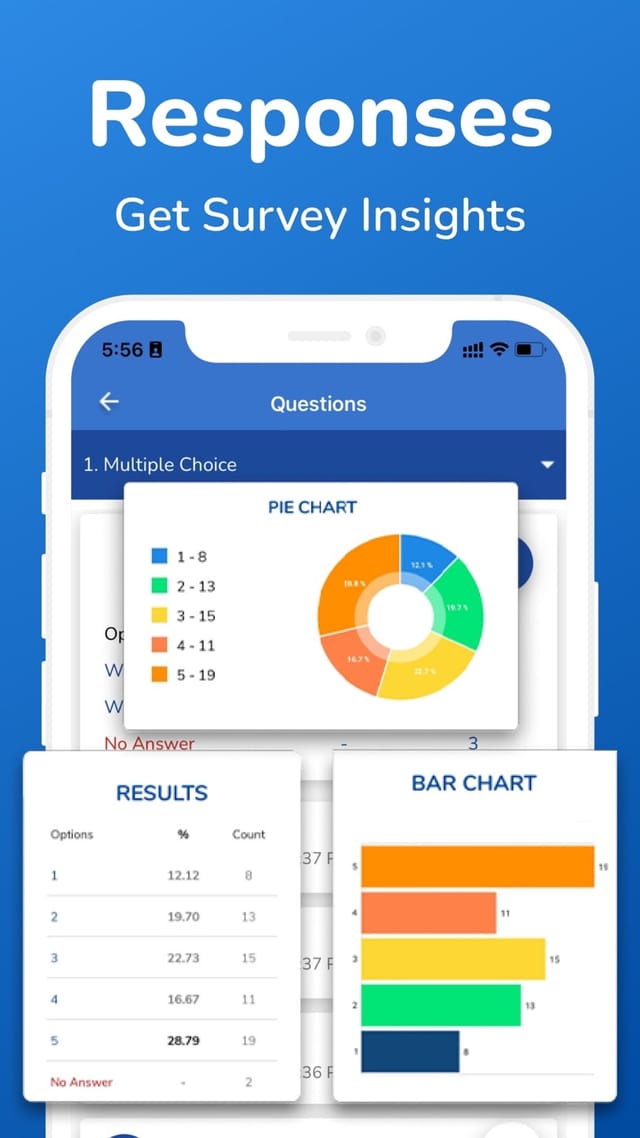
See pie and bar charts and a clean results summary right inside the app.

What You Can Do on the App

Create, share, collect and analyze, end to end, from your phone.

edit_document

Create

Build forms, surveys, polls and quizzes with more than 20 question types: short and long text, multiple choice, checkboxes, dropdown, star rating, file upload, date, time and more. Start from a template or from scratch.

share

Share

Send your form by link, WhatsApp, email or a QR code. The people who fill it do not need an account and do not need the app.

inbox

Collect

Collect unlimited responses. Get a notification on your phone for every new response so you never miss one.

insights

Analyze

See charts, a results table and each individual response inside the app. Export your data to CSV, Excel and PDF when you need it.


Get it on Google PlayDownload on the App Store

See the App in Action

Real screens from the SurveyHeart app on the App Store.
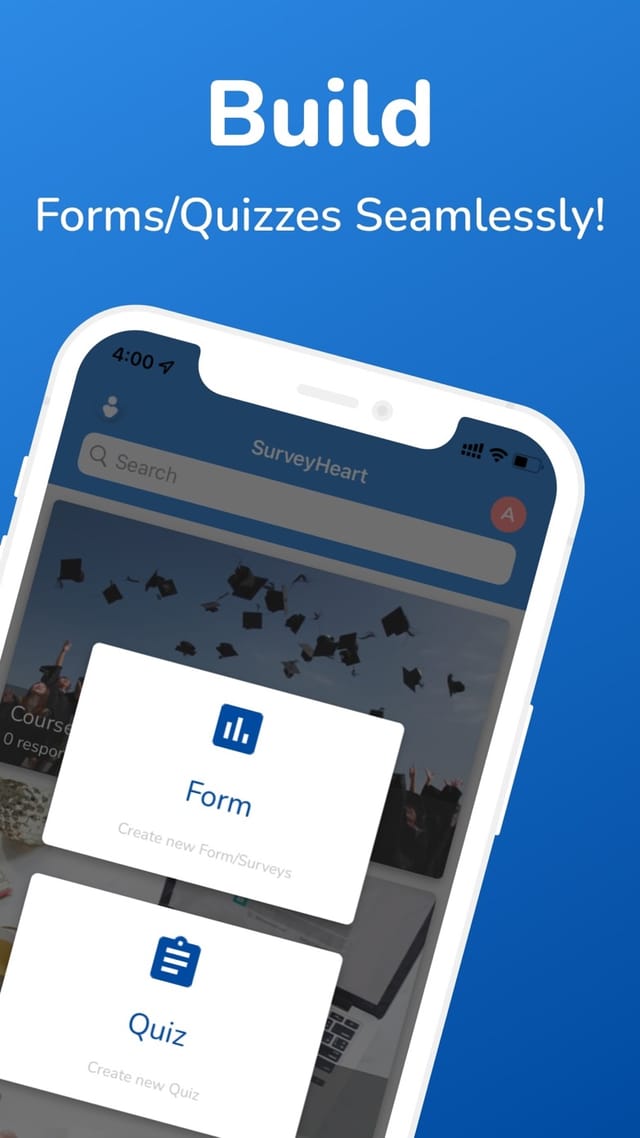
SurveyHeart app: Create forms and quizzes
Create forms and quizzes
SurveyHeart app: Start a form or quiz in a tap
Start a form or quiz in a tap
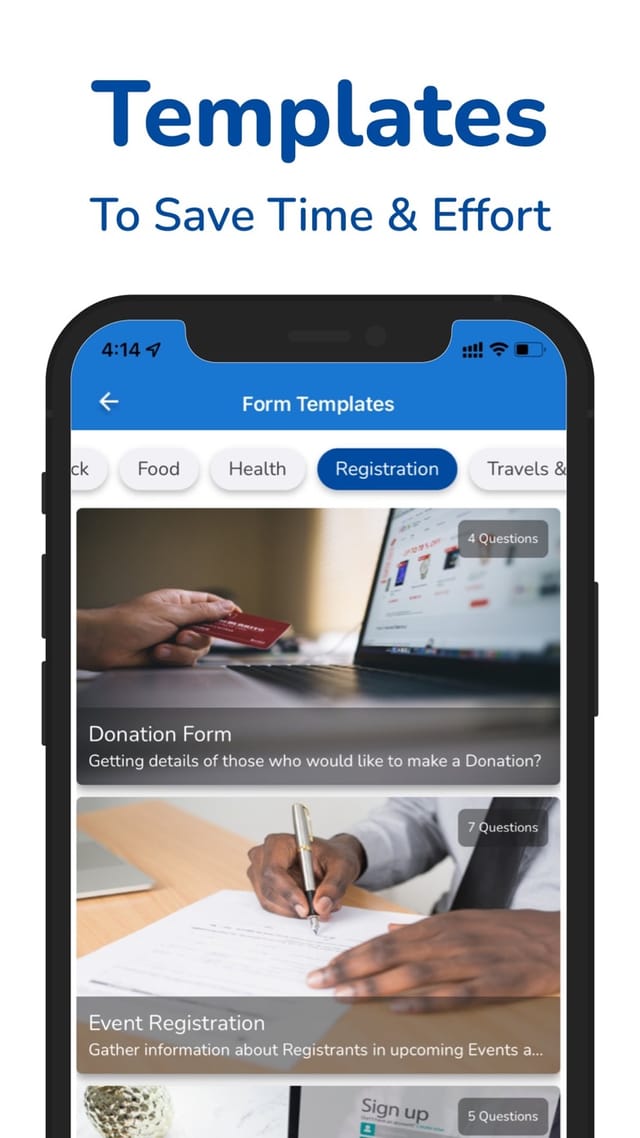
SurveyHeart app: Ready-made templates
Ready-made templates
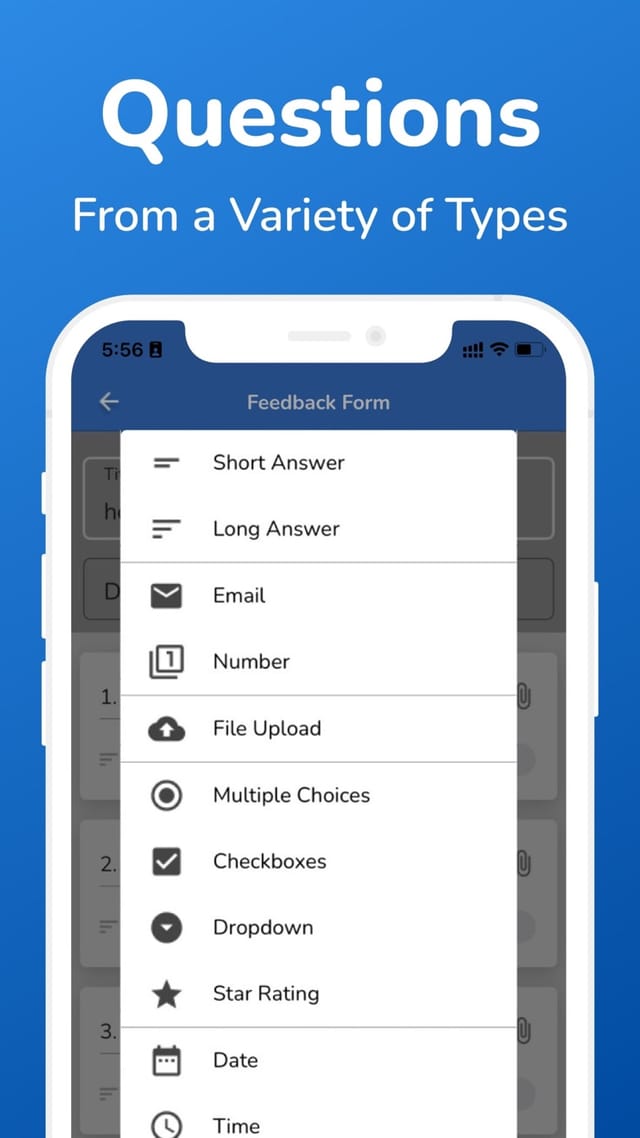
SurveyHeart app: Over 20 question types
Over 20 question types
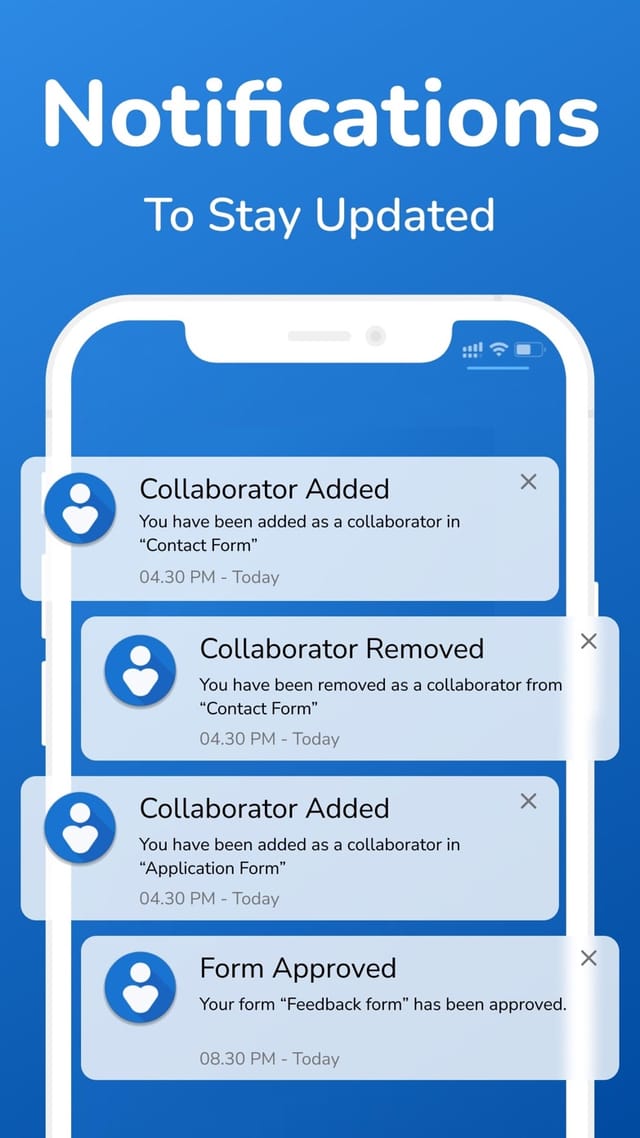
SurveyHeart app: Notifications on new responses
Notifications on new responses
SurveyHeart app: Charts and response insights
Charts and response insights

Built for Where the Work Happens

A lot of forms get filled away from a desk. The app keeps up with you.

school

In the classroom

Take attendance or run a quick check on what students learned, straight from your phone while you teach.

celebration

At an event

Collect registrations and feedback at the venue, even while you move around the room.

storefront

At a shop or stall

Take orders, bookings or sign-ups on the spot, without needing a computer.

explore

Out in the field

Run a survey door to door and watch the results build up live as you go.

Trusted by Millions

The numbers behind the SurveyHeart app.

download
10M+
App installs
fact_check
350M+
Responses collected
4.4
Rating on Google Play
devices
Android + iPhone
Free on both stores

What People Are Saying

Real reviews from Google Play and the App Store.

App Store

Simple and easy to use application. I love using it for collecting responses from many users without any limit.

CCrishna5454
Google Play

I highly recommend this app. It has saved me a lot of time. I simply create a form and have everyone's information sorted out.

OOpolot Isaac
App Store

Very user-friendly for setup and for building unlimited forms for free. Easy to download and share in any format. Thanks, SurveyHeart team!

Rrahul tirpude
Google Play

Very easy to use and also helpful for education purposes.

MMuhammad Mohsin
App Store

Best and very useful.

HHiral khambhala
Google Play

Very easy to use and a good app.

NNavneet Singh
Google Play

Excellent app.

JJaved Naseer
App Store

Best app.

SSarhangPasha
App Store

Simple and easy to use application. I love using it for collecting responses from many users without any limit.

CCrishna5454
Google Play

I highly recommend this app. It has saved me a lot of time. I simply create a form and have everyone's information sorted out.

OOpolot Isaac
App Store

Very user-friendly for setup and for building unlimited forms for free. Easy to download and share in any format. Thanks, SurveyHeart team!

Rrahul tirpude
Google Play

Very easy to use and also helpful for education purposes.

MMuhammad Mohsin
App Store

Best and very useful.

HHiral khambhala
Google Play

Very easy to use and a good app.

NNavneet Singh
Google Play

Excellent app.

JJaved Naseer
App Store

Best app.

SSarhangPasha

Who Uses the App

People who need to collect answers on the move.

groupTeachersgroupSmall businessesgroupHR teamsgroupEvent organisersgroupNGOsgroupStudents

Related Pages

linkSurveyHeart vs Google FormslinkAll use caseslinkForm templateslinkAll features

The SurveyHeart App: What You Need to Know

SurveyHeart is a free mobile app for Android and iPhone that lets you create forms, surveys, polls and quizzes from your phone. You can start from a ready-made template or build from scratch with more than 20 question types, then share your form by link, WhatsApp, email or a QR code. The people who fill your form do not need to install anything or sign in, which makes it easy to collect more responses. As answers come in you get a notification on your phone, and you can read pie and bar charts, a results summary and each individual response inside the app. When you need your data elsewhere, you can export it to CSV, Excel and PDF. More than 10 million people have installed SurveyHeart and over 90 million responses have been collected. The app is free to use, with paid plans for advanced options, and ads appear on all plans. If you want quiz-style challenges with live scoring and leaderboards, those run on quizzory.in.

Frequently Asked Questions

Is the SurveyHeart app free?

Yes. You can create forms, collect unlimited responses and view results for free. Some advanced options are on the paid plans. Ads show on all plans, including the paid ones.

Is the app on Android and iPhone?

Yes. SurveyHeart is on Google Play for Android and on the App Store for iPhone and iPad.

Can I create a form on my phone?

Yes. You can build a full form or survey on your phone, edit it later and share it, all from the app.

Do people need the app to fill my form?

No. They open your link in any browser and answer. No app and no sign-in needed.

Can I share by WhatsApp or QR code?

Yes. You can share your form by link, WhatsApp, email or a QR code.

Can I see responses and charts on my phone?

Yes. You see pie and bar charts, a results summary and each individual response inside the app.

Can I export my responses?

Yes. You can export your responses to CSV, Excel and PDF.

Does the app work offline?

You need an internet connection to send a form and to collect responses.

What languages does the app support?

The app interface is available in 13 languages.

Can I make a quiz with scores?

Yes, you can build a quiz in the app. For quiz-style challenges with live scoring and leaderboards, we run those on quizzory.in.

Get the SurveyHeart App

Free on Android and iPhone. Unlimited responses. No sign-in needed for the people who fill your form.

Get it on Google PlayDownload on the App Store
add_circleCreate a free form